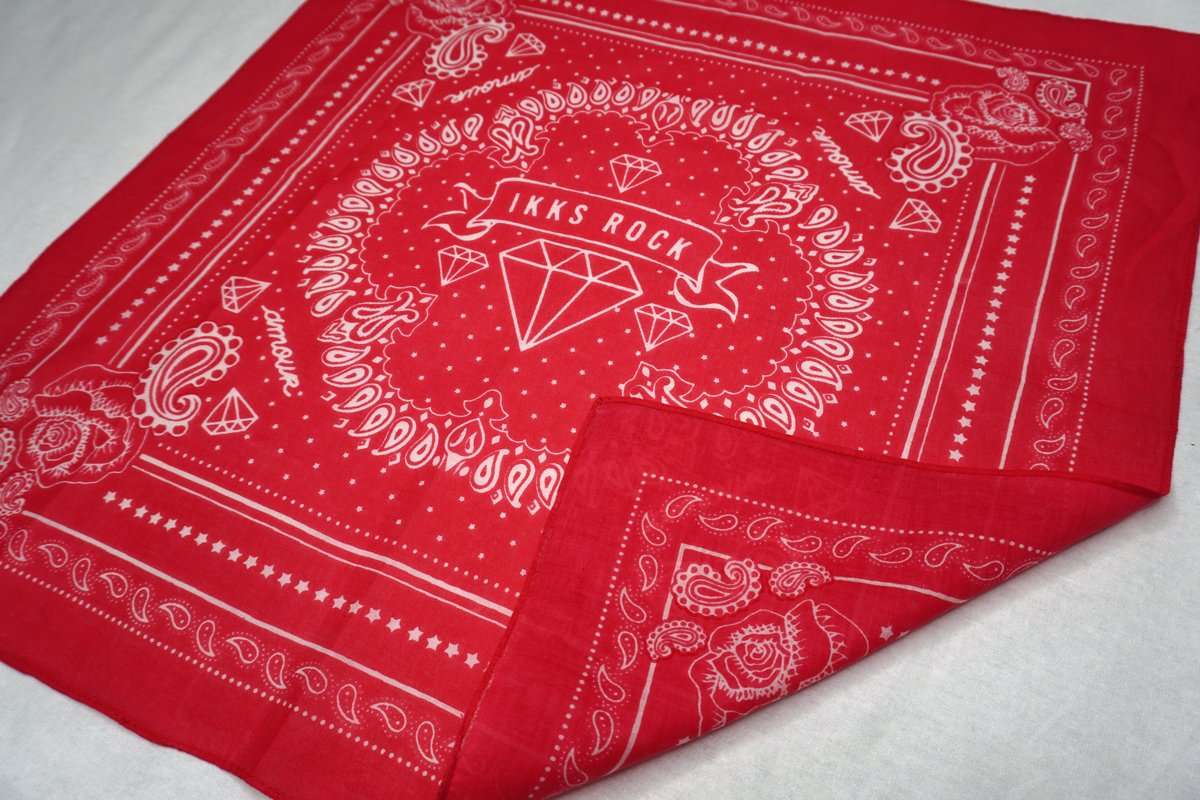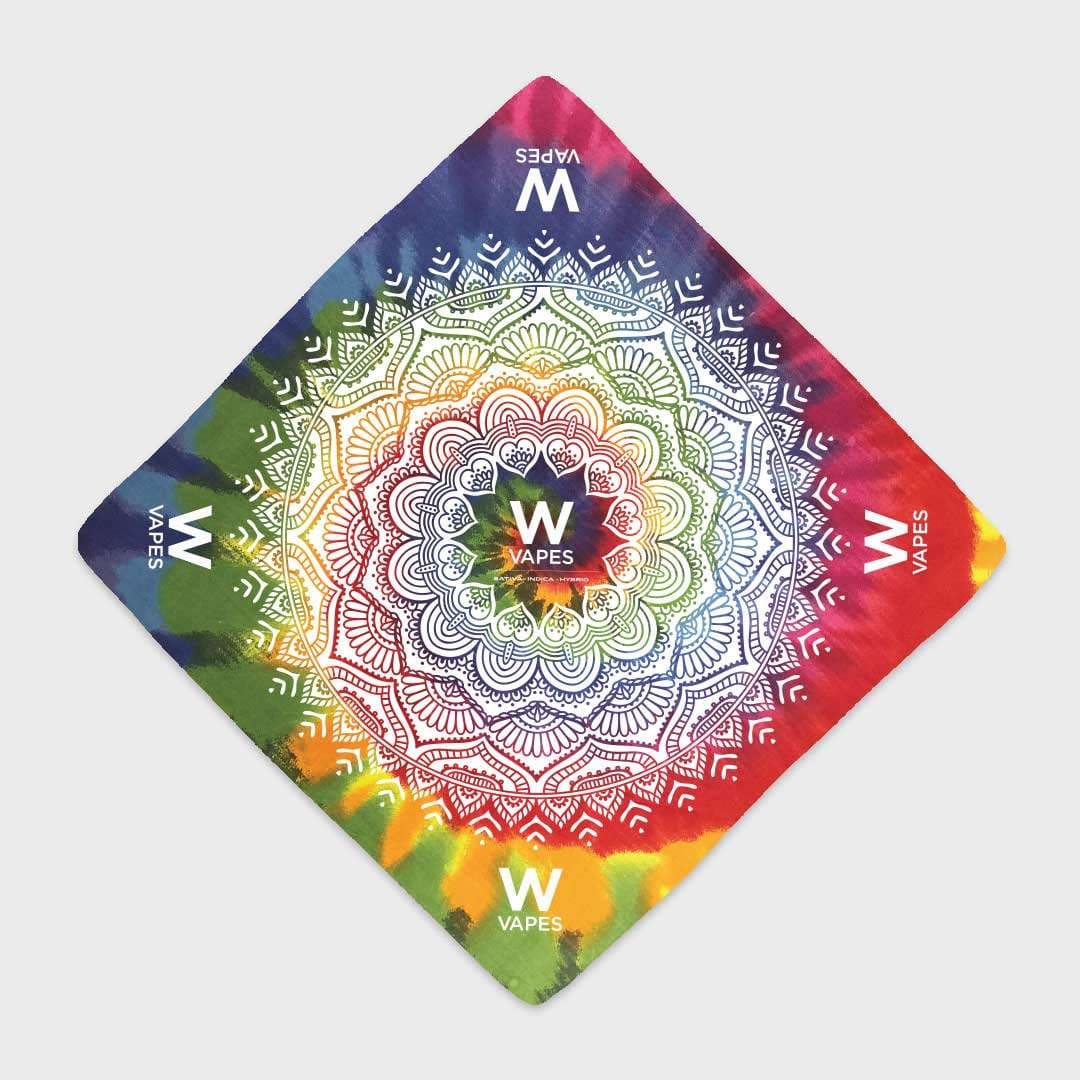

Designing a custom bandana is easier than you think. The trick is to start from a template built for the shape and print area of a real bandana — so your artwork lands exactly where you expect it to. Download our free paisley bandana template, open it in Adobe Illustrator or Photoshop, drop in your logo or design, and you'll have a complete, print-ready bandana in about five minutes.
What you'll need
- Our free paisley bandana template (Illustrator or Photoshop file)
- Your logo or artwork — vector (.ai, .eps, .pdf) is ideal, or a high-resolution 300 DPI image
- About five minutes
Design it in 5 steps
- 1Open the template in Adobe Illustrator or Photoshop. The file is already sized to a standard 22″ × 22″ bandana with the paisley border in place.
- 2Place your artwork in the center panel. Keep important details away from the very edge so nothing gets lost in the fold or hem.
- 3Match your colors. For screen printing, stick to solid spot colors (we can match any Pantone/PMS value). For full-color or photographic art, you'll want dye sublimation instead.
- 4Check the layout on one side or both — double-sided designs print the same art front and back.
- 5Save and upload. Export a print-ready file and start your order online to see your exact price and delivery date.
No design software? No problem.
You don't need Illustrator at all. Our online bandana designer lets you upload your logo and see your price instantly — the template is just there for designers who prefer to work in their own tools.
Promote your brand with a custom bandana
Custom bandanas are one of the most affordable, high-visibility ways to get your brand seen. They're less expensive and more unique than t-shirts, and they get worn and waved long after an event ends. Once your design is ready, you can order custom bandanas online from 12 pieces, or explore double-sided printing for a premium finish.
Ready to start?
Design online with instant pricing, a real delivery date, and a free proof before anything prints.
Design your bandana →