We accept PNG, JPG, TIFF, GIF, WEBP, SVG, PDF, AI or EPS files, but the best file depends on how your order is printed. Here's what to send, how to check what you have, and what happens if your file isn't print-ready.
The short answer
- Screen printing, embroidery and cut & sew: a vector file (AI, EPS, SVG or a vector PDF) with the text converted to outlines.
- Full color (dye sublimation, DTG and DTF transfers): a high-resolution PNG, JPG or TIFF at 300 dpi at the size it prints, or a vector file.
Vector vs. pixels
A vector file describes your art as shapes, so it stays perfectly sharp at any size. A pixel (raster) file is a grid of colored dots: fine for photos, but the edges blur or turn blocky when it's enlarged.
How to tell: zoom way in. If the edges stay crisp, it’s vector. If they get fuzzy or blocky, it’s pixels.
Spot-color methods (screen printing, embroidery and cut & sew) need clean edges at full size, because every ink color becomes its own screen and every thread its own stitch path. That makes pixels a problem at any resolution. Full-color methods print pixels directly, so there only the resolution matters.
No vector file? Whoever designed your logo has it. Ask for “the vector logo file (AI, EPS or SVG) with text converted to outlines.”
How much resolution full-color art needs
Aim for 300 dpi at the size the art prints. That's this many pixels:
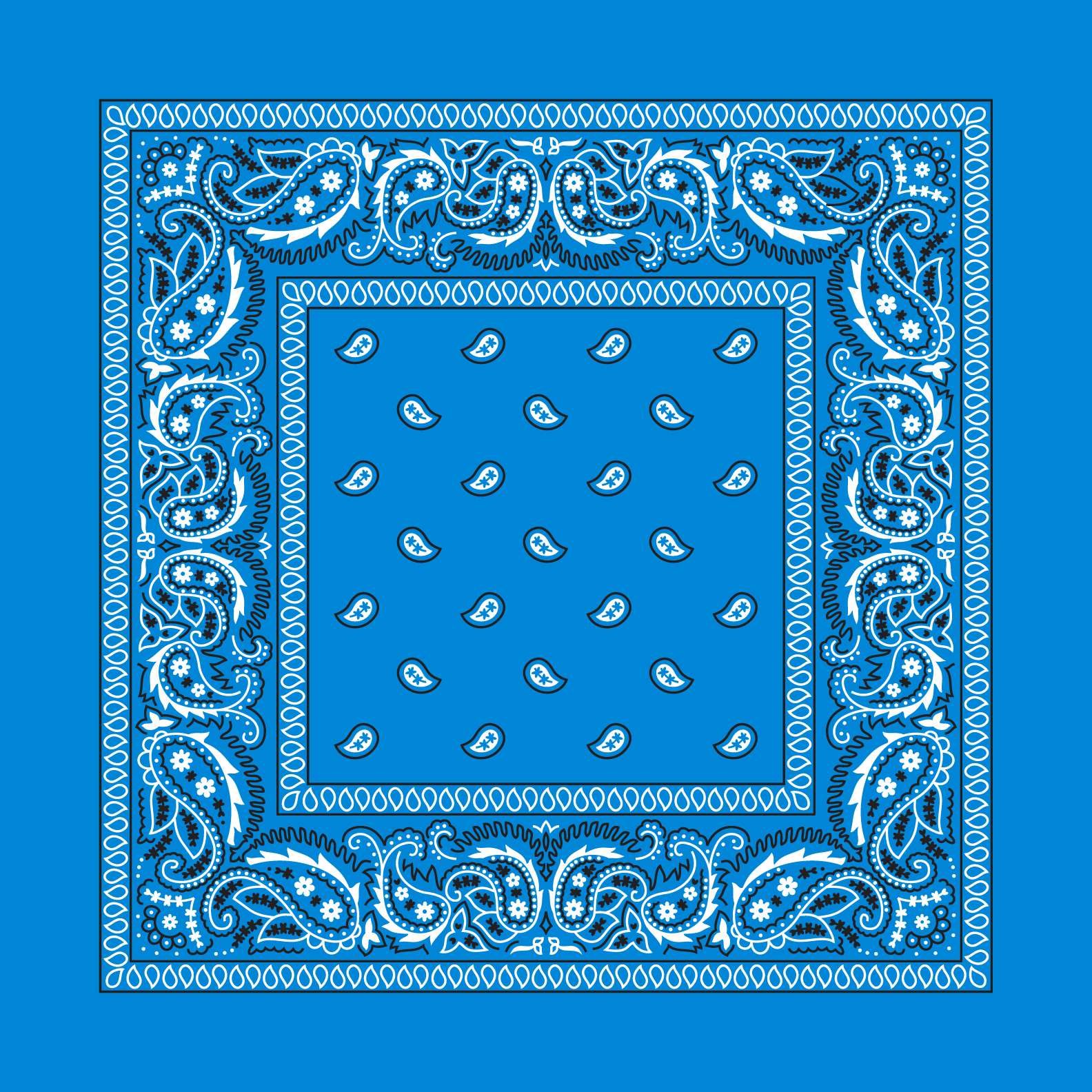
- A full 22″ bandana: 6,600 pixels across.
- A 4″ × 4″ DTF transfer (left chest): 1,200 × 1,200 pixels.
- An 11″ × 12″ DTF transfer (full front or back): 3,300 × 3,600 pixels.
A logo saved from a website or social media is usually a few hundred pixels across: fine on a screen, blurry on a bandana. Our builder checks every upload and flags a file that's too small or isn't vector, and a person reviews every file before your proof.
Convert your fonts to outlines
Live text is type that’s still a font: to display it, a computer needs that exact font installed. Converting text to outlines turns each letter into an ordinary shape, so the file looks the same on any machine — ours included — and prints exactly as you designed it.
In Adobe Illustrator: unlock everything (Object › Unlock All), Edit › Select All, then Type › Create Outlines. Type › Find Font should then list nothing. Save as a new file so you keep your editable original.
Affinity Designer: Layer › Convert to Curves. Inkscape: Path › Object to Path. CorelDRAW: Object › Convert to Curves. Figma and Canva: export as PDF or SVG with text outlined (“flatten” / “outline text”).
Matching your brand colors
For spot-color prints, send the Pantone (PMS) codes for your colors along with your art. Don't know your codes? Our free Pantone color converter finds the closest match from a hex code, an RGB value or your artwork.
Embroidery is digitized
Embroidery can't stitch from your file directly. We digitize it into a stitch file first: a one-time $49 setup for designs up to 15,000 stitches, reused on every reorder.
No vector file? You have options
- Ask your designer. Whoever made your logo has the vector file; ask for the AI, EPS or SVG with text converted to outlines.
- Let us redraw it. Our design team can convert a pixel logo to vector, or outline the fonts in a vector file, for a flat fee you see and agree to first.
- Quick fixes are free. A small file fix or a simple design adjustment is on the house.
Whatever you send, you get a free digital proof checked by a real person, and nothing is charged until you approve it.
Ready to start?
Design online with instant pricing, a real delivery date, and a free proof before anything prints.
Start your order →